The log and the map
Two shipboard tools at once. Neither is required to finish the game; both change the way you inhabit it.
A log that remembers everything
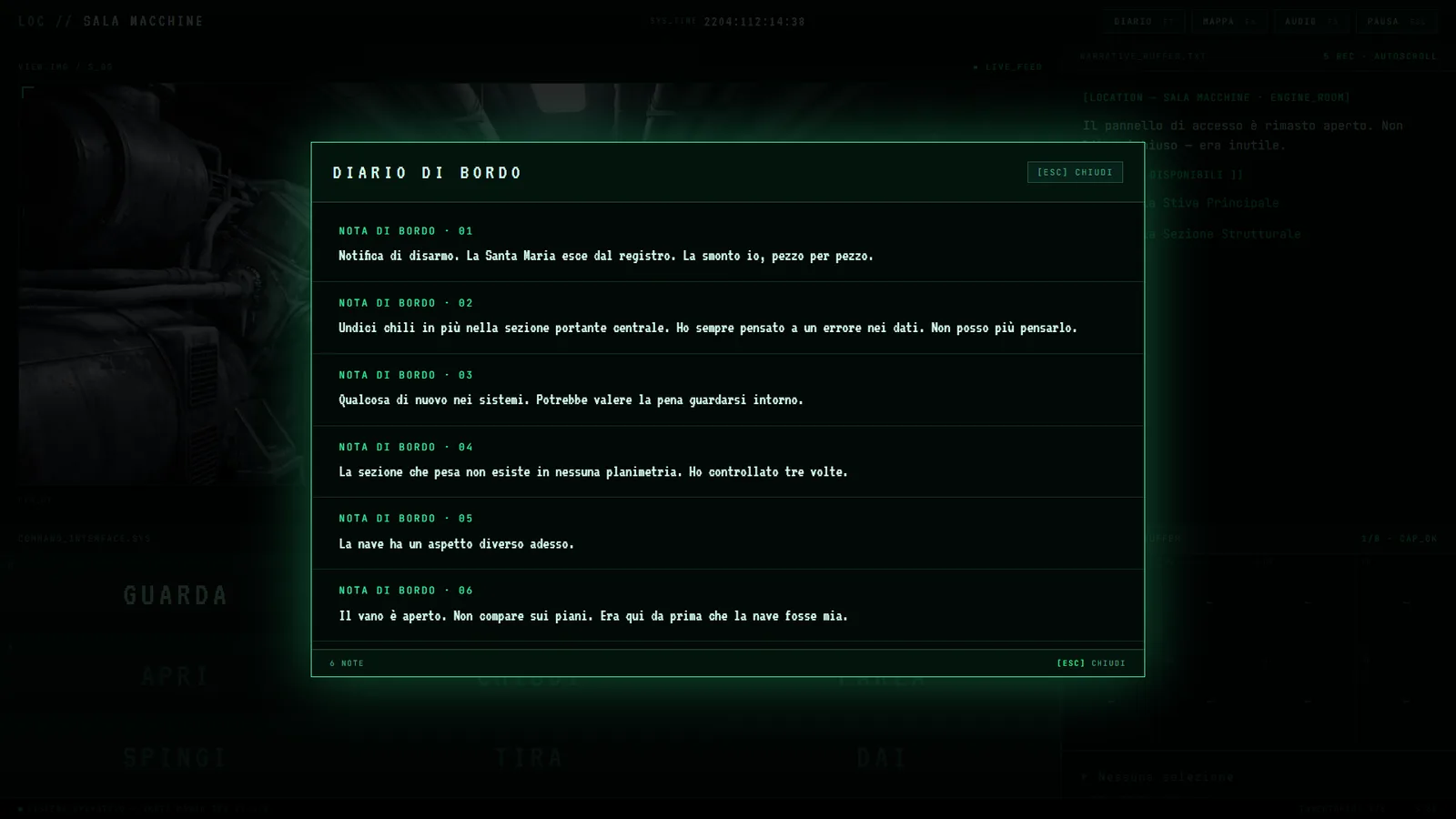
The ship’s log was already there, but it didn’t say much: six notes over an entire playthrough. Now it keeps track of every moment that matters — more than twenty-five entries written in William’s voice, as dry as he is, piling up in chronological order as things happen. Opening the log mid-game means rereading your own story up to that point, as befits a proper ship’s log.
There is a detail we care about: some notes are not triggered when the game “knows” something, but when William does — if an announcement comes over the radio while he is elsewhere, the note appears only after he has actually heard it.
The ship, at last, can be looked at
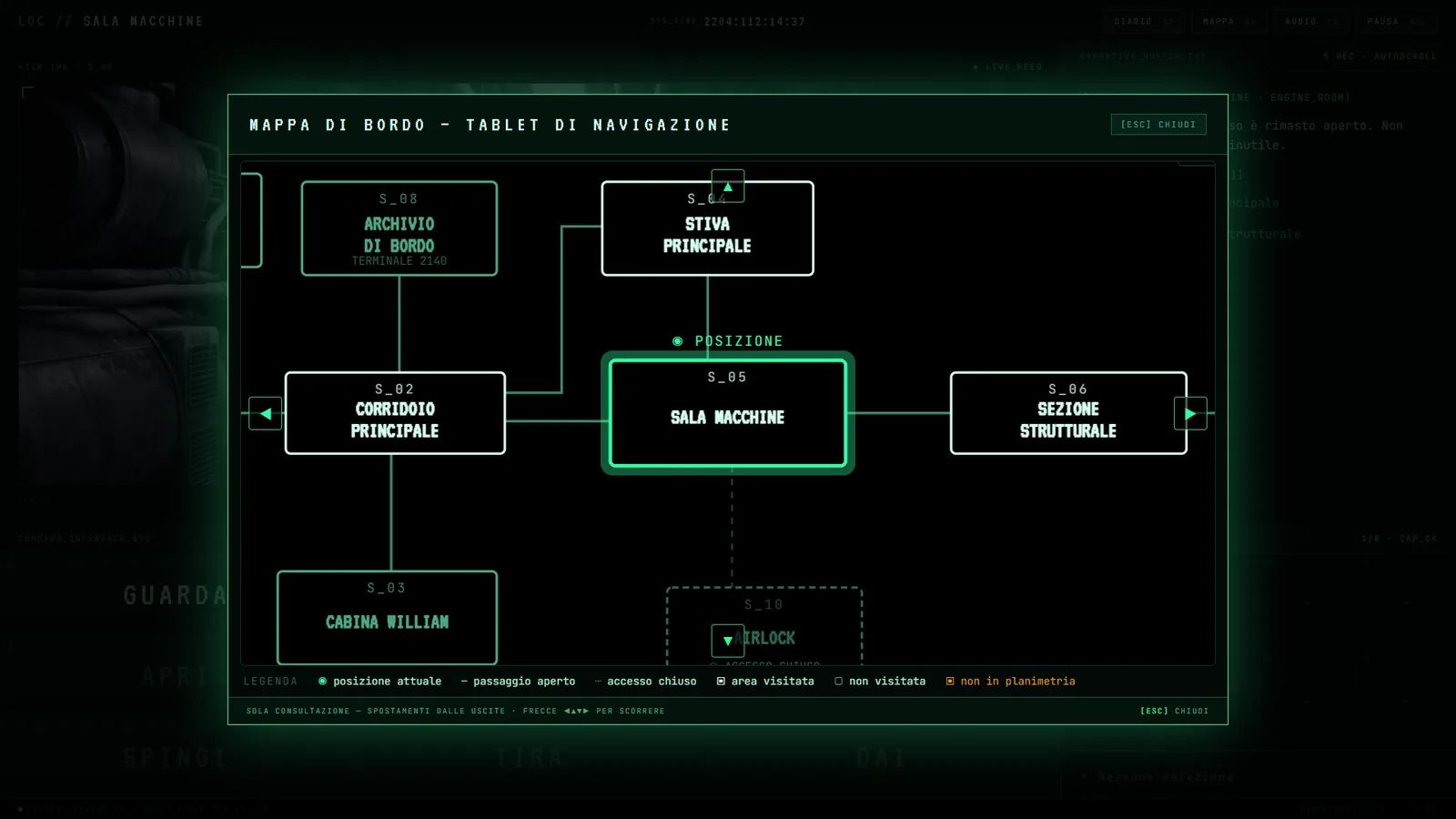
The MAP button had been there from the start, disabled. It now opens a navigation tablet: the technical deck plan of the Santa Maria, bow to the left, with large room boxes and four arrows to pan the view, like on a real shipboard terminal. On opening, the map is already centred on where you are.
The deck plan is honest: it shows the registered rooms, marks the passages still closed with a dashed line, and stays silent about what the records do not report. Those who have played will understand why that sentence is a promise.
Under the hood
These versions also bring a long list of readability refinements: larger modals, doubled font sizes, arrow-key navigation as well. Small things you only notice when they are missing — which is exactly where they belong.